All capabilities/Virtual Simulation

PRACTICE / SIM

Virtual Simulation

VR, AR, holographic and 720° environments for training, assessment and public explanation — designed for the devices the audience actually has.
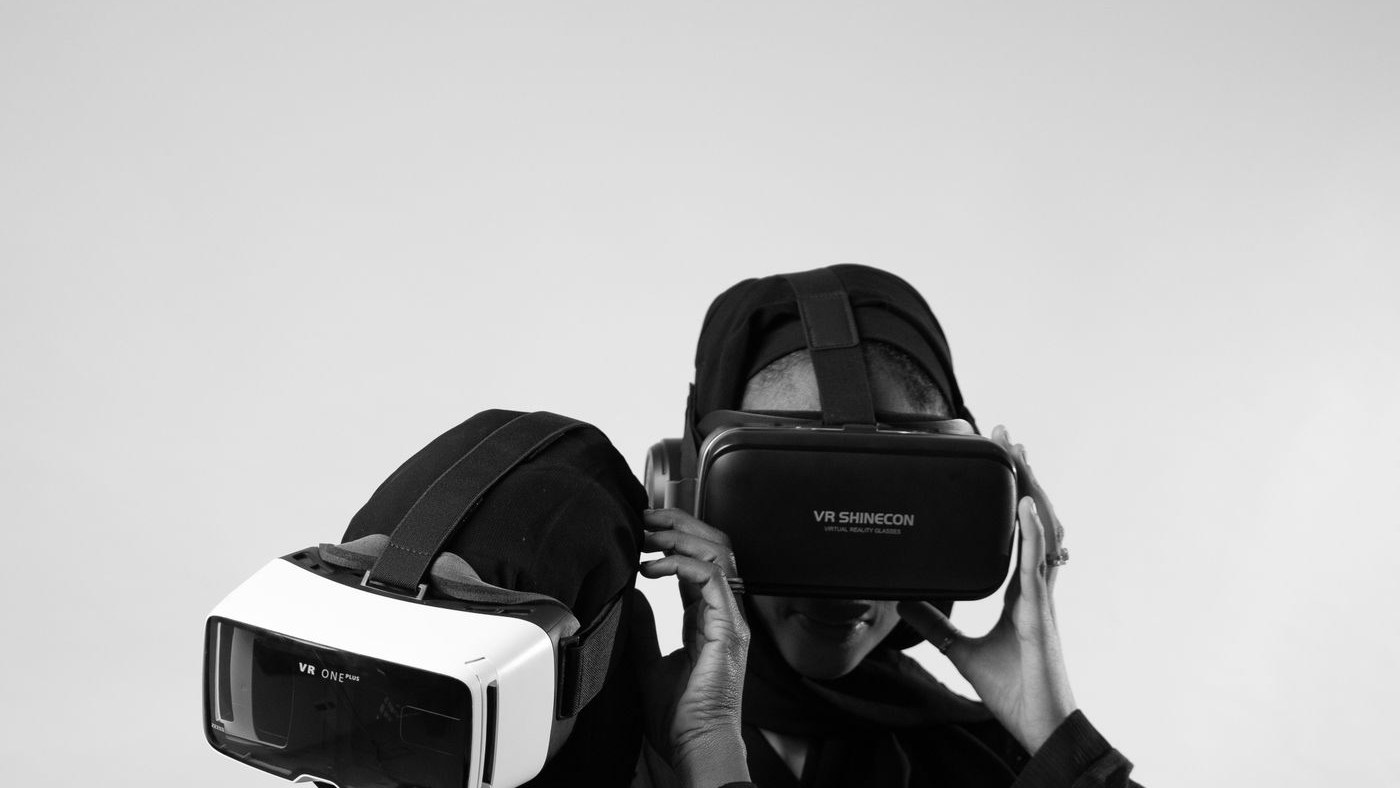
VR, AR, holographic and 720° training environments
Two people using VR headsets, placeholder image

TECHNOLOGY

How it works

Immersive digital technology: holographic 3D imaging, VR interaction, AR overlay and 720° panorama tours. The same content can run on PC, headset, tablet and phone.

  • Holographic 3D imaging
  • VR immersive interaction
  • AR overlay on the real world
  • 720° panorama tours
  • PC / headset / tablet / phone

WHERE IT FITS

Medical

Clinical simulation and skills assessment.

  • Nursing, dental and bio-pharma simulation
  • Skills assessment and records
  • 55 medical + 32 rehabilitation courses

Early childhood

Vocational training for childcare teams.

  • Childcare and early-years simulation
  • Care, health and nutrition
  • 45 childcare courses

Industrial & tourism

Explain a site, a process or a destination.

  • Industrial science communication
  • Digital exhibition halls
  • Tourism 720° panorama

SOFTWARE & HARDWARE CONDITIONS

What the deployment needs

We deploy these systems inside the client environment. The list below is a typical starting point; the final bill of materials is scoped per site and per operating model.

CategoryConditionReference configurationPurpose
Software3D engine and modelling toolsUnity / Unreal, 3ds Max / BlenderScene and interaction development
SoftwareSimulation teaching platformCourse scheduling, assessment, data dashboardTeaching operations
Software720° panorama softwarePanorama stitching, tour-point editingPanorama content production
HardwareVR / AR terminalsVR headset, AR glasses/tablet, tracking devicesImmersive experience
HardwareHolographic displayHolographic cabinet / film / transparent screenDisplay-grade imaging
HardwareCapture and training terminalsPanorama camera, high-performance PC, touchscreenContent production and classes

HOW WE DEPLOY

How we deploy it

Learning goal

What the trainee must be able to do.

Environment

Scene, interaction and assessment design.

Devices

Headset, tablet, screen or room-scale.

Run

Content updates, device support and review.

DEPLOYMENT NOTES

  • We can deliver national or provincial virtual simulation bases: top-level planning, construction, integration, training and operations.

START A CONVERSATION

Tell us what has to work

Send the site, the systems already in place, the timeline and what cannot fail. We reply within one business day.

Email the team